
Running Traffmonetizer for pc is simple: you install a Windows app, keep it running, and it pays you for sharing unused internet bandwidth. Think of it like renting out an empty seat on a bus route you already paid for. The seat is your connection, and the rider is an approved third-party traffic.
Set expectations early. This is a small side income, not a paycheck replacement. Some users make only a little each month, and results vary by region and demand. Also, there's a real tradeoff: you're routing traffic through your home internet, so privacy, security, and network rules matter.
If you like "set it and forget it" apps, this can fit. If you hate unknown network traffic on your line, skip it.
How TraffMonetizer works on a Windows PC (in plain English)
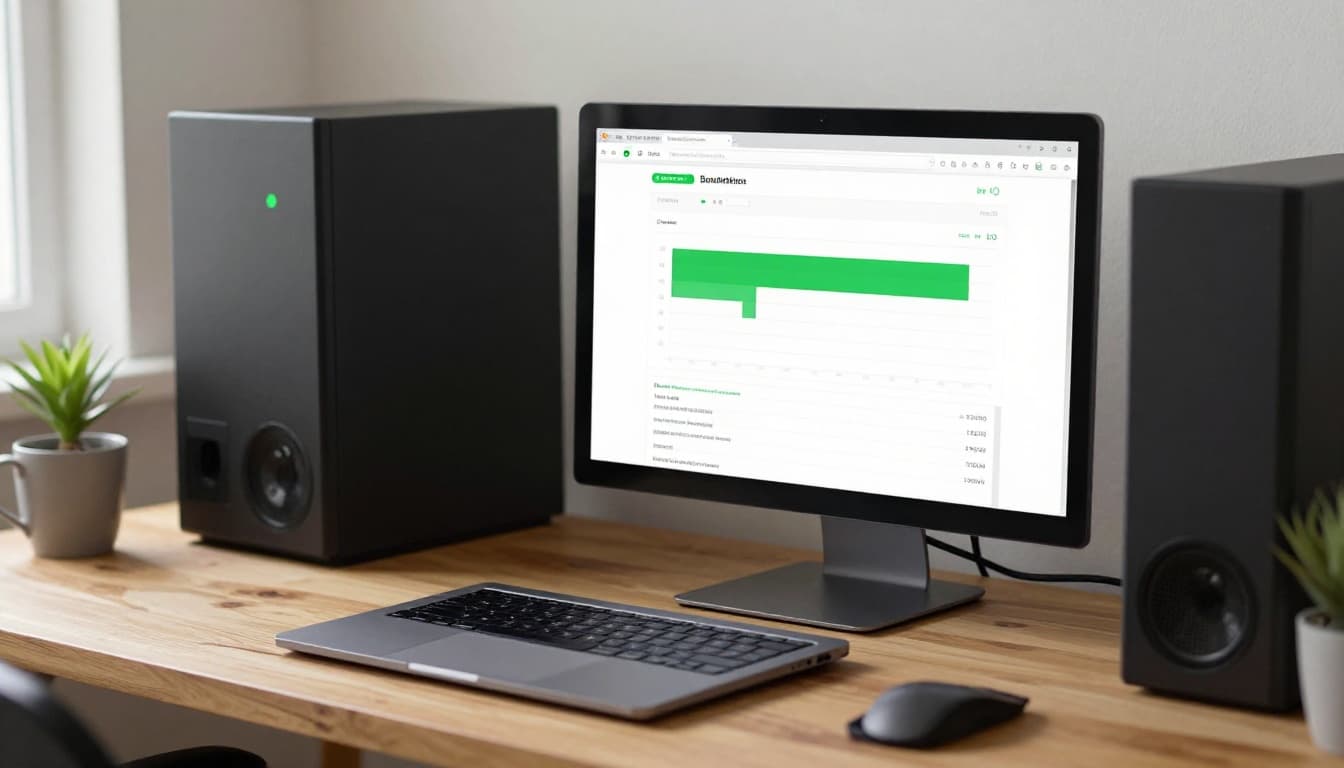 An always-on PC setup that's ideal for background bandwidth-sharing apps, created with AI.
The flow is straightforward:
- You download and install the Windows app from the official source.
- You create an account and link the app to your account (often with a token).
- The app runs in the background and uses spare bandwidth when there's demand.
- Earnings show in your dashboard, and you can request payouts after you hit the minimum.
"Unused bandwidth" doesn't mean your ISP has a special bucket of free data waiting. It means your connection often sits idle. For example, you might have 300 Mbps available but only use a fraction most of the day. TraffMonetizer tries to use that idle capacity, so your PC becomes a gateway for approved network requests.
For official details and downloads, stick to the company's site, TraffMonetizer's official website, rather than repackaged installers.
A few misconceptions cause confusion:
- It's not crypto mining, because it doesn't pay for GPU or CPU work.
- It's not surveys or task work, you don't click anything to earn.
- It's not selling your files, it's selling network access (traffic routing).
The main "resource" you provide is your IP address and bandwidth, not compute power.
What your PC is actually doing in the background
When TraffMonetizer runs on Windows, your PC acts like a managed exit point to the internet. Businesses can pay for traffic that originates from many places, using many residential IPs, because they need to see how the web looks from different regions. Common use cases include ad verification, website testing, and price checking. The exact clients can change, so it's best to keep expectations general.
From a networking view, the app establishes outbound connections, then relays requests through your connection. That can mean steady low usage one day and higher bursts the next. This variability is normal for bandwidth marketplaces.
Because this is proxy-style traffic, you should treat the app like any other program that handles network routing. Run it only on a PC you control, keep it updated, and avoid mixing it with sensitive work.
If you want a sense of real-world user sentiment before installing, scan recent feedback on TraffMonetizer reviews on Trustpilot. Don't focus on one rating, look for repeated themes like payout friction, low earnings, or network flags.
What affects earnings the most
Earnings depend on both your setup and market demand. Two users can run the same app and see very different results.
Here's what tends to matter most:
- Uptime: An always-on desktop earns more than a laptop that sleeps. Sleep mode often stops network sharing.
- Connection quality: Fiber or stable cable usually beats slow DSL. More important than raw speed is consistency and low packet loss.
- Region and IP demand: Traffic buyers pay more for certain regions. Some locations see less demand.
- Network rules: Some ISPs, routers, and security suites throttle or block relay-style traffic.
- Device count and IP diversity: Multiple devices can help, but only when they sit on different public IPs. Two PCs behind one home router usually share one IP.
A practical example: a Windows mini-PC on Ethernet that runs 24/7 will usually outperform a gaming laptop that closes its lid at night. Similarly, one stable connection can beat three unstable ones.
If you're comparing options, you might also read a general bandwidth-sharing walkthrough like this Peer2Profit bandwidth sharing guide to understand how these networks price traffic and why location changes payouts.
Installing TraffMonetizer for PC safely, step by step
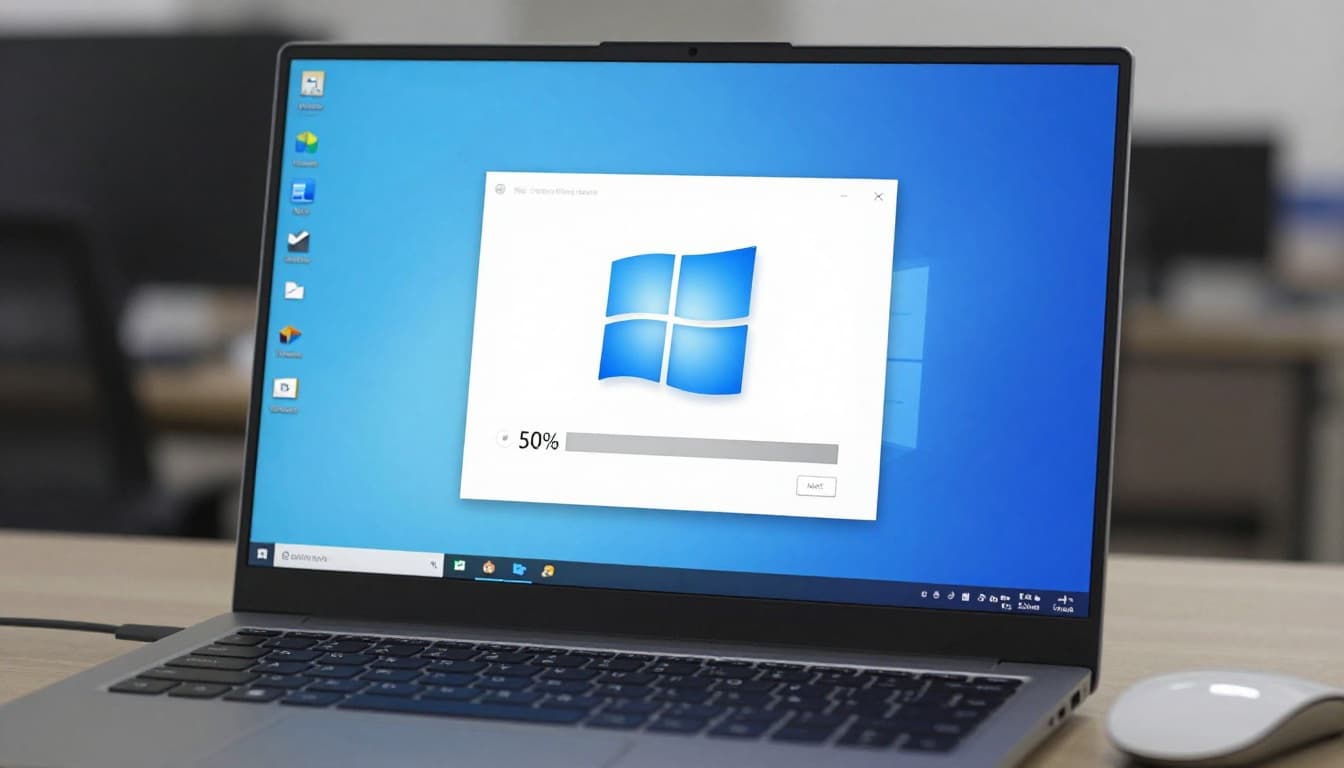 What a typical Windows install flow looks like for background network apps, created with AI.
A safe install is mostly about basic hygiene: correct download source, clean Windows environment, and clear visibility into what the app is doing.
Start by downloading from the official domain, then install it like any normal Windows app. After that, you'll link the app to your account using a token or sign-in flow provided in your dashboard. Once the app shows "connected" (or similar status), leave it running and check your dashboard later.
As of early 2026, TraffMonetizer supports Windows and other platforms, and payouts may be more limited than those of some competitors. Minimum cashout and methods can change, so confirm the current payout screen in your account before you invest time. Recent reports indicate a $10 minimum payout, with crypto (USDT TRC20) as a primary option, and wire transfer only at a much higher threshold.
Some people ask about running the Android version on PC through an emulator. It can work in general, but it adds complexity and extra overhead. In most cases, the native Windows app is simpler, easier to troubleshoot, and less likely to trip security tools.
Windows install checklist from download to first run
Use this quick checklist to reduce avoidable mistakes:
- Close other installers first so you don't lose track of prompts.
- Confirm the domain before downloading (use the official site, not a mirror).
- Run the installer and accept Windows prompts only if you trust the source.
- Create your account and open the dashboard to find the app link method (token or sign-in).
- Paste the token or sign in inside the Windows app (whichever the app uses).
- Allow firewall access only if the prompt matches the app you installed.
- Confirm it's running by checking the app status and your dashboard activity.
After first run, look for an option to start with Windows. If it exists, enabling it helps uptime, which usually helps earnings. Still, don't set it and forget it on day one. Watch your network behavior for a few days first.
For a second opinion on whether TraffMonetizer is "worth it," you can compare a detailed third-party write-up like an independent TraffMonetizer review. Treat any income claims as examples, not guarantees.
If your antivirus flags it as a PUP, what to do next
Bandwidth-sharing apps sometimes trigger "PUP" (potentially unwanted program) warnings. That doesn't automatically mean malware. It often means the software can be unwanted in some environments because it routes traffic, runs persistently, or behaves like a proxy client.
If you see a warning, take the cautious path:
First, pause the install and scan the file. Next, confirm you downloaded from the official domain. After that, read the vendor's privacy policy and terms, paying attention to traffic handling and logging. Only add an exception if you understand the risk and trust the source.
Avoid the common bad move: disabling your security tools. If the app requires you to weaken your defenses, treat that as a stop sign.
Also, don't install this on a work PC. Employer policies and endpoint tools can treat proxy software as prohibited, even if it's not malicious.
Risks, limits, and smart rules before you run it 24/7
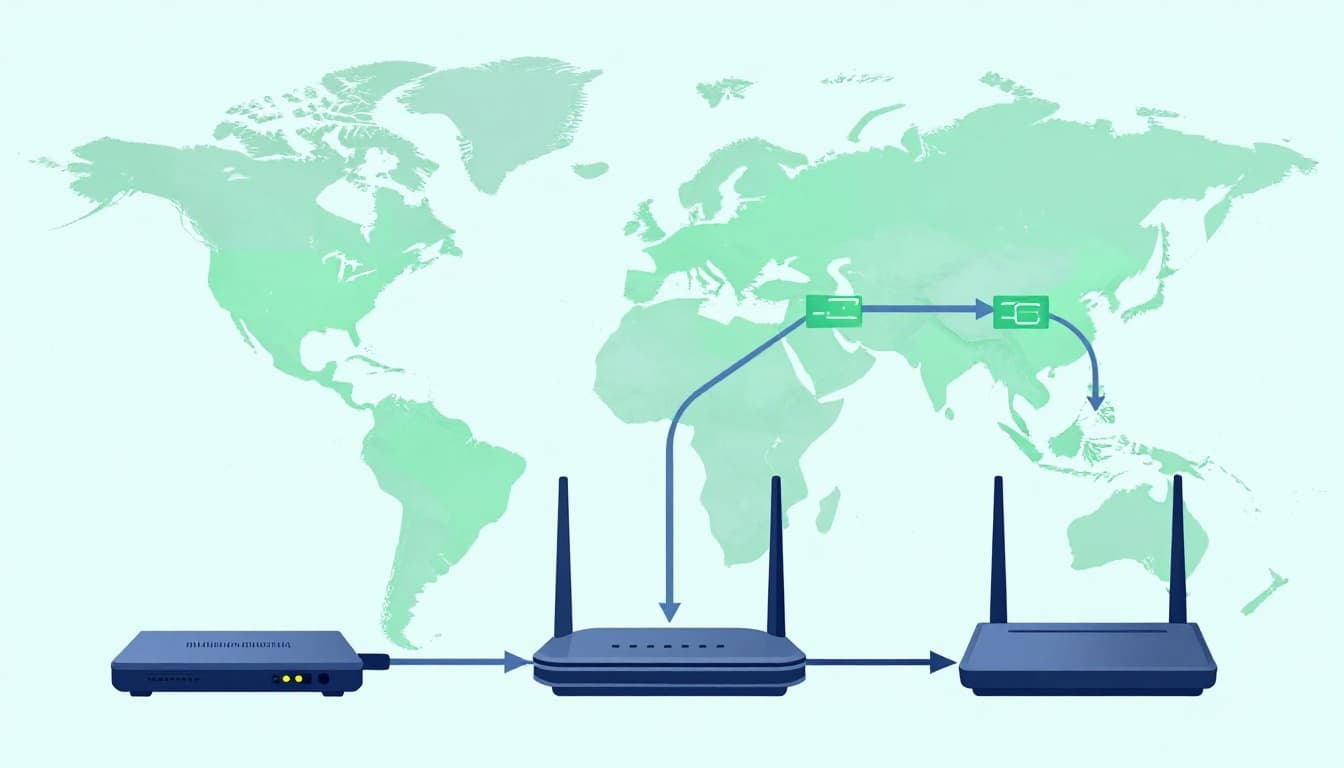 How routed traffic can flow from your router through a PC to outside services, created with AI.
Running traffmonetizer for pc has real limits. Some are mild, like a small speed dip, and others are serious, like policy conflicts. If you understand the risk surface, you can make a clear call.
The common downsides include:
Internet performance impact: Even if the app tries to stay "in the background," network use is network use. If your line is busy, you may notice slower uploads, higher latency, or buffering. This shows up more on slower connections and during peak hours.
Data usage: These apps can consume significant data over time. If you have a cap, your "extra income" can turn into overage charges.
Device wear and noise: An always-on PC draws power and adds heat. Laptops also age faster when kept plugged in 24/7.
Privacy and policy: You are sharing network access. That means you must care about who uses the traffic and how your ISP and other services interpret it.
Skip TraffMonetizer if you're on a shared network (roommates), school dorm internet, corporate connections, or any place where you can't control router rules. If your household depends on low latency for gaming or calls, test carefully.
If you wouldn't run a proxy service on your network, don't run a bandwidth-sharing app either.
Protect your home network and avoid account headaches
You can't remove all risk, but you can reduce it.
Start with account security. Use a strong password, and turn on 2FA if the service offers it. Next, keep Windows updated because outdated systems are easier to compromise. Also, watch for new background apps that you didn't install.
On the network side, monitor your bandwidth and router stats. Many modern routers show per-device usage, which helps you confirm the app isn't overwhelming your line. If your router supports logging, keep an eye on unusual patterns, like constant high outbound traffic at times you don't expect.
Some users also prefer running these apps under a separate Windows user profile. That won't isolate traffic at the network layer, but it can reduce accidental access to personal browser sessions and saved credentials.
Finally, avoid public Wi-Fi. Public networks often block proxy traffic, and they're already a higher-risk environment.
If you're evaluating other apps in the same category, this EarnApp passive income app overview can help you compare installs, payout options, and the kind of monitoring you should do for any bandwidth-sharing tool.
Data caps, ISP terms, and why location matters
In the US, data caps still exist with some providers and plans, even when download speeds are high. A bandwidth-sharing app can push you closer to the limit, especially if you run it continuously. Before you leave it on 24/7, check your ISP account page for your cap and monthly usage meter.
Also, read your ISP's acceptable use policy. Some ISPs restrict the resale of service or proxy-like activity. Even if enforcement is rare, it's your connection and your responsibility. If your ISP sends warnings for "unusual traffic," you'll want to know where the line is.
Location matters for another reason: demand. TraffMonetizer and similar networks pay based on what buyers want. Some regions get more traffic requests, which can increase earnings, while other areas remain quiet.
If you want background context on the Android build and how app distributions can differ from the official site, you can check a directory listing like TraffMonetizer's Android app page. Use it for reference only, and still download the Windows client from the official domain when possible.
Conclusion
TraffMonetizer for PC can be a reasonable add-on if you have stable internet, no tight data cap, and an always-on Windows PC you fully control. On the other hand, it's a poor fit for shared networks, strict ISP terms, work devices, or anyone with strong privacy concerns.
To decide without guesswork, keep it simple: start small, monitor speed and data for a week, then choose whether to scale up. If the payout method and minimums don't match how you want to get paid, move on quickly.
- Run it on one PC first and watch your router usage.
- Check your ISP's cap and policy before leaving it on overnight.
- Keep security tools on, and stop if anything feels off.